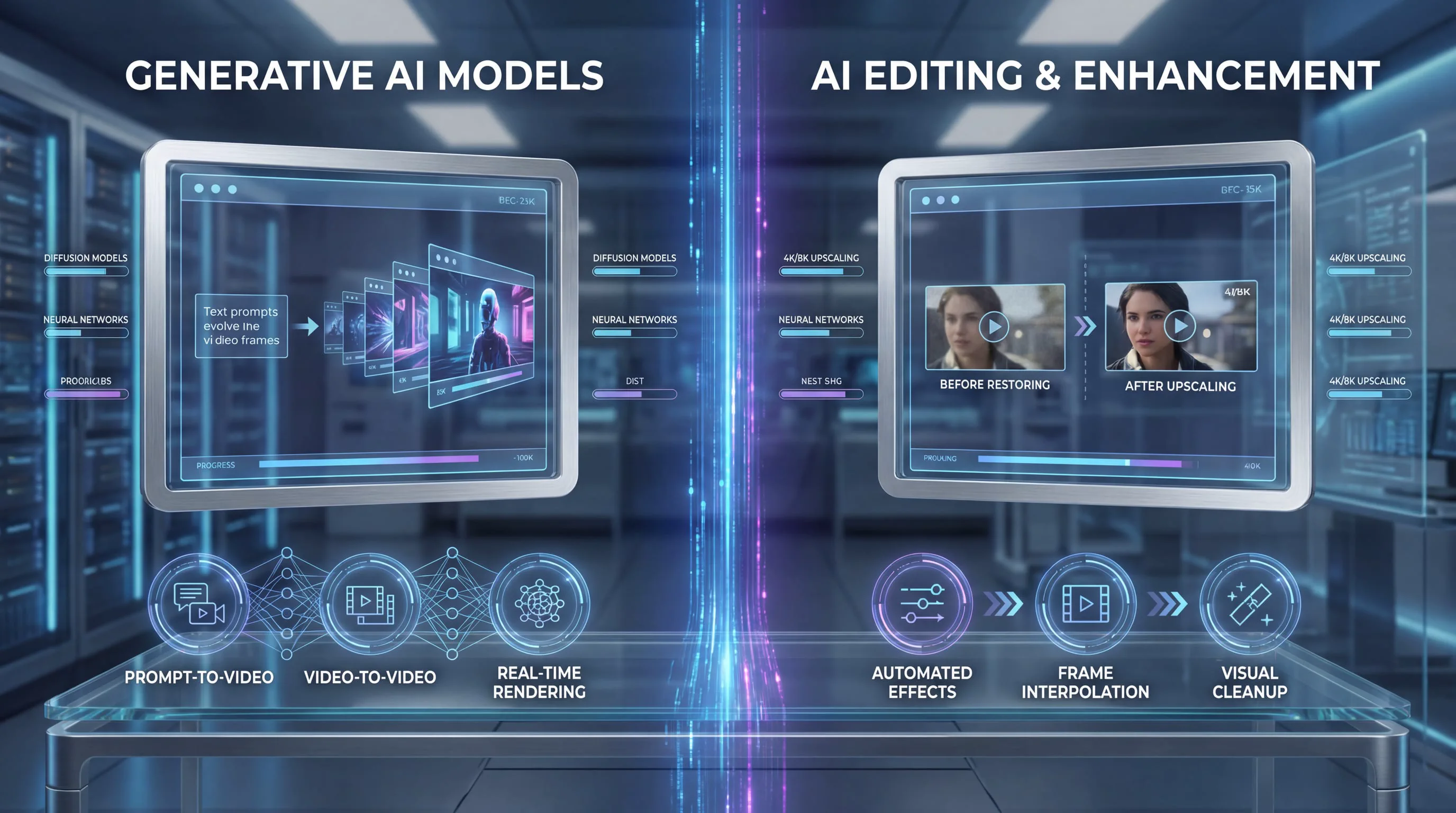
The AI video generation landscape has reached a critical inflection point in early 2026. Two models have emerged as frontrunners in the race to deliver production-ready, cinematic-quality video from simple prompts: Seedance 2.0 from ByteDance and Kling 3.0 (also known as Kling 1.6) from Kuaishou Technology. Both represent significant leaps forward in what artificial intelligence can achieve in video creation, yet they take fundamentally different approaches to solving the same creative challenges.
This comprehensive comparison examines every dimension that matters to creators, marketers, and production teams—from multimodal capabilities and physics simulation to prompt adherence and real-world usability. We've synthesized data from independent benchmarks, community testing, and professional evaluations to give you the definitive guide to choosing between these two powerhouses.
The Core Philosophy: Multimodal Control vs. Motion Mastery
Seedance 2.0 and Kling 3.0 represent two distinct visions of what AI video generation should accomplish. Understanding these philosophical differences is essential before diving into technical specifications.
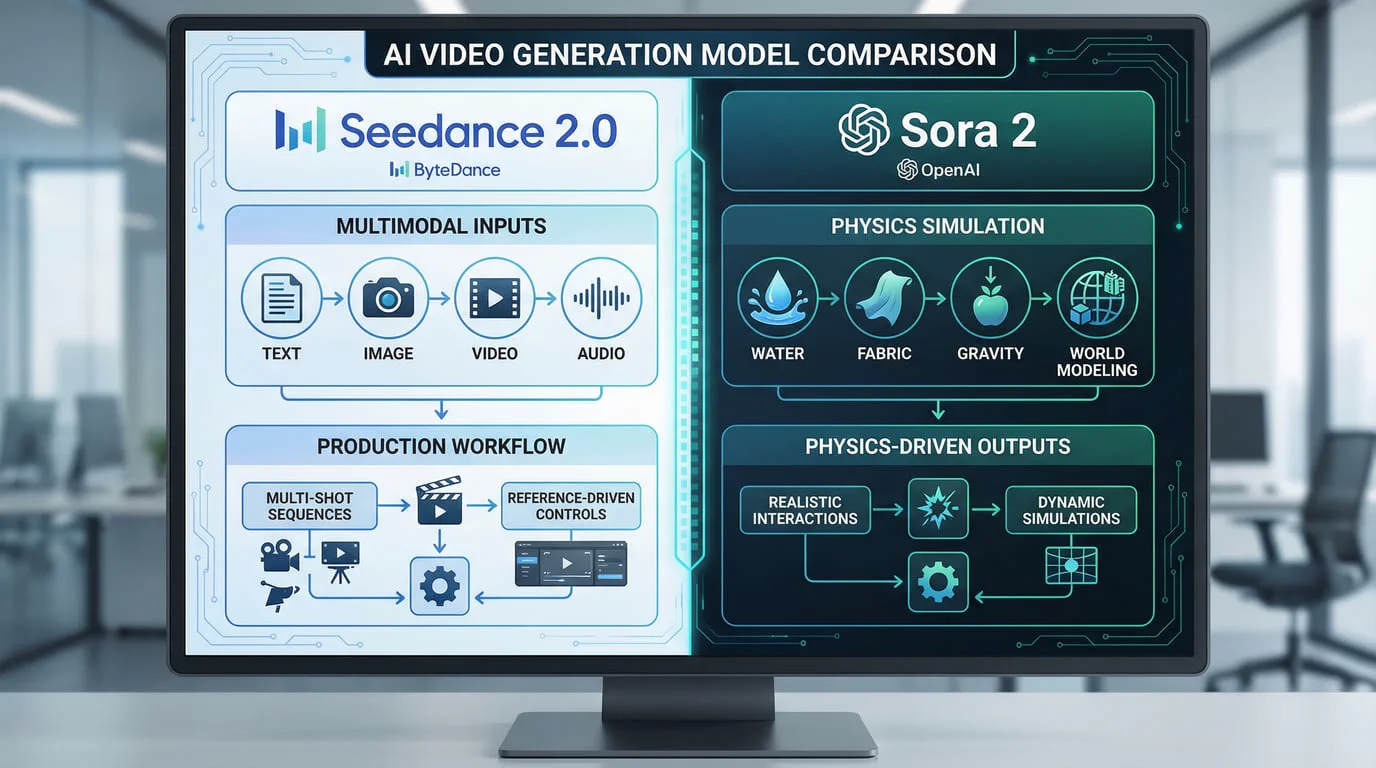
Seedance 2.0 positions itself as a revolutionary multimodal AI video generation model that accepts image, video, audio, and text inputs simultaneously. Unlike traditional AI video tools that rely primarily on text prompts, Seedance 2.0 enables creators to reference any content—motion patterns, visual effects, camera movements, character designs, scene compositions, and sound atmospheres—using natural language descriptions combined with actual reference materials. This approach transforms video generation from a prompt-writing exercise into a true creative workflow where you can study motion logic, special effects, and character actions directly from source materials and apply them to your own projects.
The model excels at multi-shot storytelling, maintaining consistency in characters, visual style, and atmosphere across scene transitions. This makes Seedance 2.0 particularly powerful for creators who need to produce coherent narratives rather than isolated clips. The native audio-visual synchronization means dialogue, ambient soundscapes, and real-time sound effects generate alongside visuals frame by frame, eliminating the traditional post-production audio editing workflow entirely.
Kling 3.0, by contrast, focuses on delivering exceptional realism through superior physics simulation and motion coherence. While it lacks Seedance 2.0's multimodal input flexibility, Kling excels at generating physically plausible movement from straightforward prompts. The model's diffusion transformer architecture produces 30 frames per second with consistent transitions and natural motion that feels grounded in real-world physics. Kling's motion brush feature allows creators to paint motion paths directly onto source images, specifying exactly where and how elements should move—a level of granular control that appeals to professionals who need precision over experimentation.
Technical Specifications: Where Each Model Excels
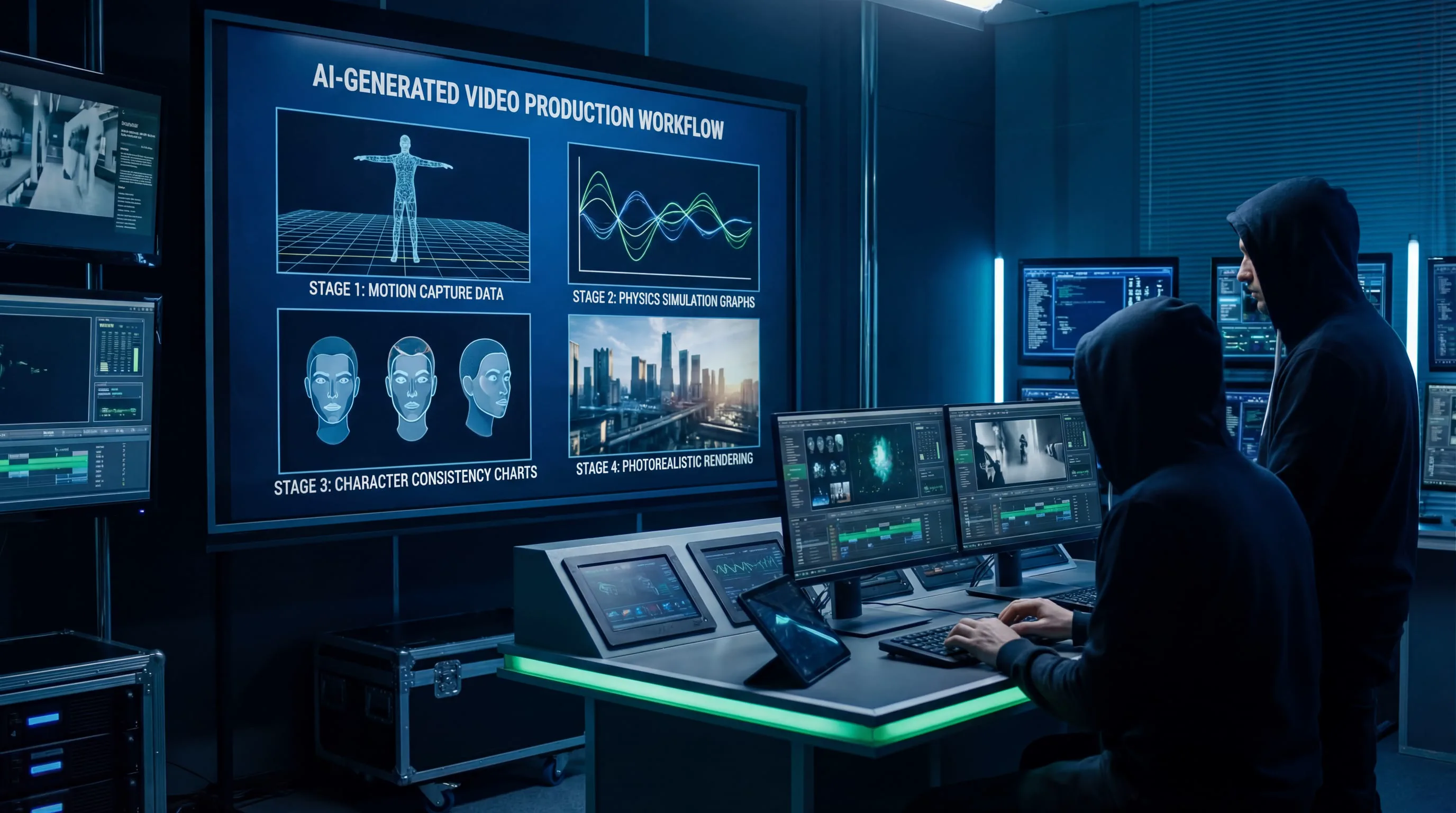
Resolution and Output Quality
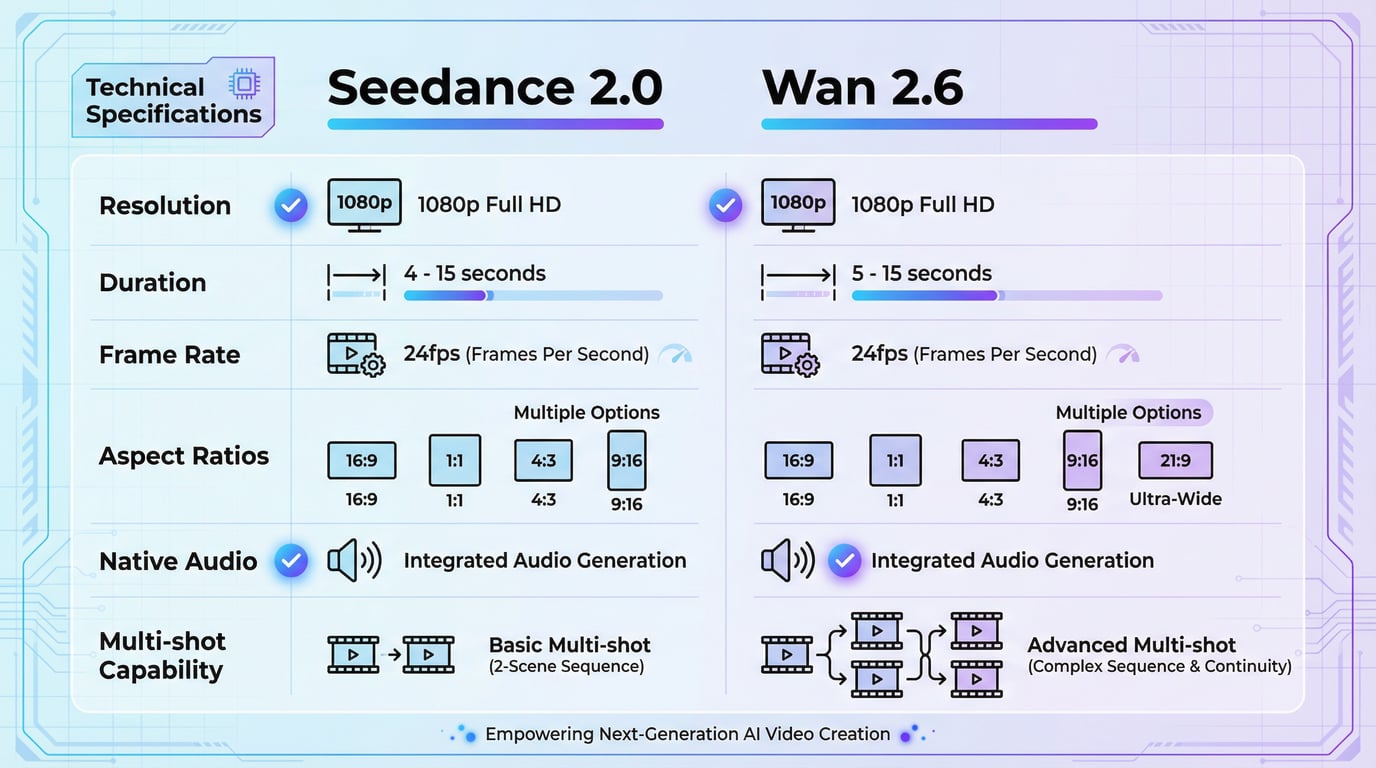
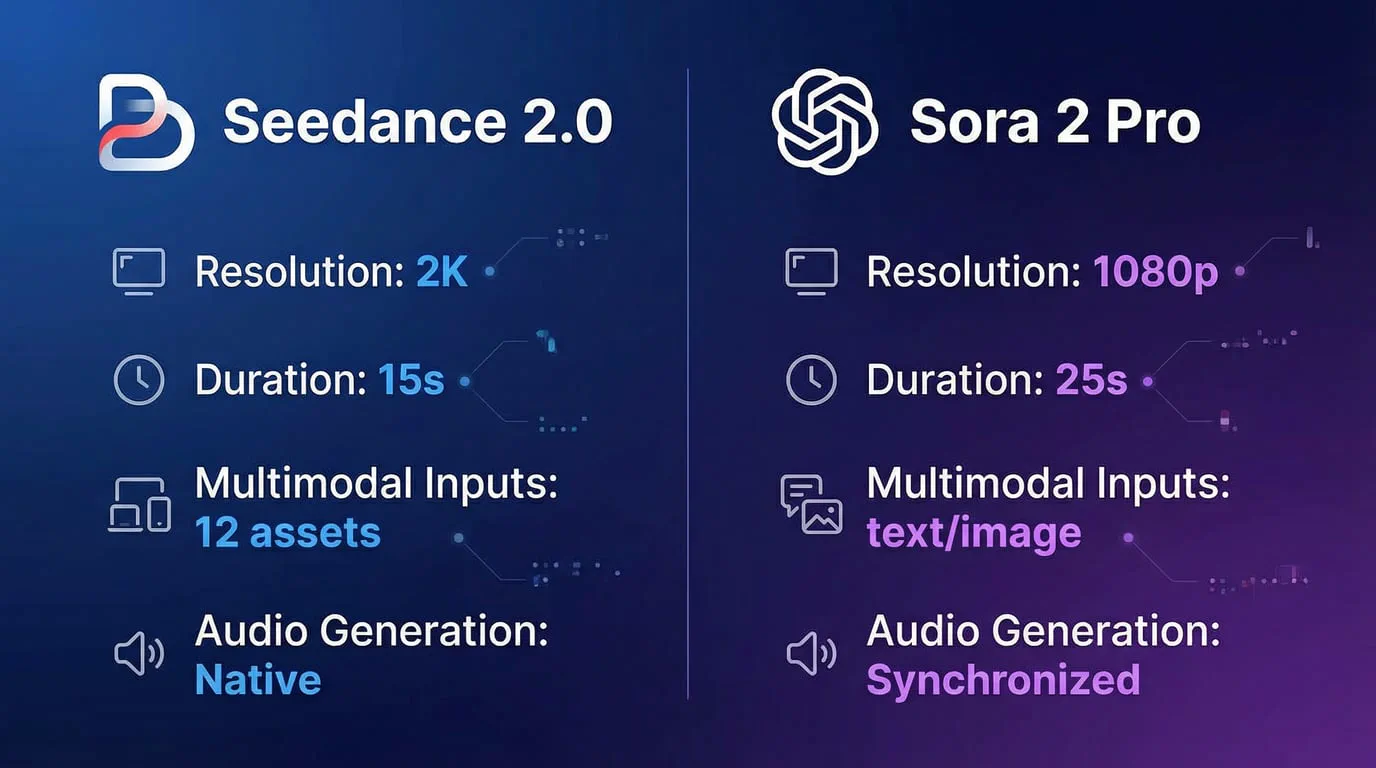
Seedance 2.0 delivers native 1080p resolution with what independent evaluators describe as setting "a new standard for clarity." In head-to-head visual comparisons, Seedance outputs reveal fine textures on materials like leather jackets and individual droplets of rain—details that competitors struggle to render convincingly. The model has achieved recognition for producing film-level video generation quality that makes it a top choice for high-end commercial work.
Kling 3.0 matches Seedance with 1080p output in its standard mode, with the Kling 2.1 Master variant capable of native 4K resolution. Professional benchmark testing shows Kling achieving 8.1/10 for visual fidelity—strong performance that places it in the upper tier of AI video generators, though not quite matching the absolute best-in-class models. Where Kling particularly shines is in facial detail and human motion, with evaluators noting it produces "the most natural human motion, lip-sync, and facial expressions" among current AI video models.
Video Duration and Generation Speed
Duration capabilities reveal a significant advantage for Seedance 2.0. The model generates videos up to 20 seconds in length, providing enough runway for complete narrative beats or product demonstrations. More importantly, ByteDance claims Seedance 2.0 operates approximately 30% faster than Kling, utilizing an efficient diffusion transformer architecture that delivers results in near real-time. For busy social media managers and content teams operating under tight deadlines, this speed advantage represents the biggest practical selling point.
Kling 3.0 offers comparable duration at up to 20 seconds for its advanced models, with the Kling 2.6 variant extending to 60+ seconds for longer-form content. Generation times vary significantly based on quality settings, ranging from 122 seconds to 570 seconds depending on whether you select standard or master mode. While slower than Seedance 2.0, Kling's generation times remain competitive within the broader AI video landscape.
Physics Simulation and Motion Quality
Physics accuracy separates good AI video from great AI video. Models that fail to simulate realistic gravity, fluid dynamics, and object interactions produce footage that immediately reads as artificial, breaking viewer immersion.
Seedance 2.0 demonstrates strong physics understanding, particularly in complex scenarios involving multiple interacting elements. The model handles realistic motion for objects, water dynamics, and character interactions with confidence. Benchmark testing shows Seedance achieving a perfect 1.000 score for dynamic degree—the highest energy and most engaging motion among tested models. The model also scores 1.000 for aesthetic quality, producing highly polished, visually appealing outputs that feel intentional in every frame.
Kling 3.0 has built its reputation specifically on physics simulation excellence. The model excels at "realistic physics, scene consistency, and dynamic camera styles," with particular strength in simulating liquids, gravity-driven scenes, and complex motion sequences. Independent testing reveals Kling achieves the highest scores for background consistency (1.000) and subject consistency (1.000), ensuring perfect environmental stability and character coherence across frames. Evaluators consistently praise Kling for "fluid movement and depth" that makes action sequences feel grounded in physical reality.
In practical terms, Kling handles sports footage, chase scenes, and any content involving rapid motion or complex physics more reliably than most competitors. Seedance 2.0 counters with superior motion energy and aesthetic polish, making it ideal when visual impact matters more than strict physical accuracy.
Feature Comparison: Capabilities That Matter

Multimodal Input and Reference Control
This represents Seedance 2.0's defining advantage. The model accepts text, images, video, and audio as inputs, allowing creators to build videos from multiple reference sources simultaneously. You can provide a character design image, a reference video showing desired camera movement, an audio track establishing mood, and a text prompt tying everything together. Seedance 2.0 synthesizes all these inputs into coherent output that respects each reference dimension.
The video extension feature enables seamless continuation of existing clips, even merging different scenes together with natural transitions. Creators report being able to "reference trending video templates and recreate them with my own style"—a workflow that dramatically accelerates content production for social media teams. The built-in audio generation creates dialogue, sound effects, and music that synchronizes with visual action, with a beat sync feature particularly useful for dance and music content.
Kling 3.0 takes a different approach with its Elements tool and motion brush. Rather than accepting multiple modalities simultaneously, Kling focuses on precise control over specific aspects of generation. The motion brush lets you paint exactly where and how motion should occur within a frame. The 4-image Elements feature maintains character consistency across different scenes—critical for brand mascots or recurring story characters. While less flexible than Seedance's multimodal approach, Kling's tools offer more predictable, controllable results when you know exactly what you want.
Prompt Adherence and Creative Control
Prompt adherence—how accurately the model follows your instructions—directly impacts iteration speed and creative frustration. Models that frequently misinterpret prompts force creators into endless regeneration cycles.
Seedance 2.0 receives strong marks for prompt understanding, with evaluators noting the model "excels in understanding your prompts and allows for various input types." The natural language control system interprets complex instructions involving multiple elements, scene compositions, and narrative beats. However, specific numerical benchmarks for prompt adherence remain limited in public testing.
Kling 3.0 scores 7.4/10 for prompt adherence in comprehensive professional testing—solid performance that places it in the competitive middle tier. The model responds exceptionally well to cinematic language, with prompts referencing specific camera movements (pans, tilts, dollies), lens choices, and motion choreography producing the most accurate results. Kling's prompt adherence is notably high when instructions are structured clearly, but the model shows "frequent misinterpretation" when prompts become vague or overly complex.
Professional Kling users recommend treating the model like a cinematographer rather than a general AI assistant: "Kling doesn't want an idea, it wants direction." Every prompt should lock the camera on a single character, define the lighting, and choreograph the physics explicitly. This requirement for precision makes Kling less forgiving for beginners but more powerful for experienced creators who understand visual language.
Temporal Consistency and Character Stability
Temporal consistency—maintaining visual coherence across frames—determines whether your video looks professional or amateurish. Flickering, style drift, and morphing characters destroy the illusion of reality.
Seedance 2.0 emphasizes multi-shot storytelling with maintained consistency in characters, visual style, and atmosphere across scene transitions. The model's architecture specifically addresses the challenge of keeping recurring elements stable throughout longer narratives. Evaluators note Seedance delivers "smooth scene flow" and "structure and rhythm" that supports coherent storytelling.
Kling 3.0 scores 6.8/10 for temporal consistency in professional benchmarks—the lowest score among its core metrics. This represents Kling's most significant weakness. The model "only really falters when there are multiple characters in frame, or a particular movement demands micro-precision." Over longer shots, Kling sometimes loses consistency in character appearance, and fast movements can produce blurry or distorted hand gestures. The style locking feature in newer versions reduces flickering and style drift, but temporal consistency remains an area where Kling trails competitors.
For projects requiring multiple characters or extended sequences, Seedance 2.0's superior temporal consistency provides a meaningful advantage. For focused scenes with one or two subjects, Kling's consistency issues become less problematic.
Real-World Performance: Benchmark Results
Independent testing provides objective data on how these models perform across standardized scenarios:
Seedance 2.0 Benchmark Performance:
-
Dynamic Degree: 1.000 (highest motion energy)
-
Aesthetic Quality: 1.000 (most polished output)
-
Imaging Quality: Leading performer
-
Overall Score: Highest among tested models in GMI Cloud benchmarking
-
Generation Speed: ~30% faster than Kling 3.0
Kling 3.0 Benchmark Performance:
-
Visual Fidelity: 8.1/10
-
Prompt Adherence: 7.4/10
-
Temporal Consistency: 6.8/10
-
Motion Quality: 8.5/10 (estimated based on physics simulation strength)
-
Background Consistency: 1.000 (perfect environmental stability)
-
Subject Consistency: 1.000 (perfect character coherence)
These numbers reveal complementary strengths. Seedance 2.0 leads in overall aesthetic output, motion energy, and generation speed. Kling 3.0 excels in physics-grounded realism, environmental stability, and subject consistency. Neither model dominates every category—your choice depends on which strengths align with your specific creative needs.
Use Case Recommendations: Which Model for Which Project?
Choose Seedance 2.0 When:
You need multimodal creative control. If your workflow involves referencing existing videos, combining multiple input types, or remixing trending content with your own style, Seedance 2.0's multimodal architecture is purpose-built for this approach.
Speed matters more than perfection. Social media teams, rapid prototyping workflows, and high-volume content production benefit enormously from Seedance's 30% speed advantage. When you need to test ten variations in the time competitors generate three, faster iteration wins.
Audio-visual synchronization is critical. Built-in audio generation with frame-accurate sound effects, dialogue, and music eliminates an entire post-production workflow. For creators without audio editing expertise or time for manual sync work, this feature alone justifies choosing Seedance 2.0.
Multi-shot storytelling drives your content. Commercials, explainer videos, and narrative content requiring multiple connected scenes benefit from Seedance's superior temporal consistency and scene transition capabilities.
Aesthetic polish is paramount. When your content represents a premium brand or requires that extra layer of visual sophistication, Seedance 2.0's perfect aesthetic quality scores deliver the polish that elevates good to great.
Choose Kling 3.0 When:
Physical realism cannot be compromised. Product demonstrations, architectural visualizations, sports content, and any scenario where unrealistic physics would undermine credibility benefit from Kling's superior physics simulation.
You're featuring human subjects prominently. Kling's industry-leading performance in facial expressions, lip-sync, and natural human motion makes it the clear choice for character-driven content, interviews, or any video where human realism matters.
Precise motion control is required. The motion brush feature and explicit motion choreography capabilities give experienced creators granular control that Seedance's more automated approach cannot match.
Environmental and character consistency are critical. Kling's perfect scores for background and subject consistency make it ideal for content requiring absolute visual stability—product showcases, brand videos, or any scenario where flickering or style drift would be unacceptable.
You work with cinematic language. Creators comfortable specifying camera movements, lighting setups, and motion choreography in technical terms will extract more value from Kling's prompt system than from Seedance's more general natural language approach.
Pricing and Accessibility Considerations
While specific pricing details vary by platform and access method, general market positioning reveals important differences. Kling AI generally offers more output for the same investment than premium competitors like Runway AI, with newer models priced more affordably per video. The platform delivers "clean 1080p clips" at costs that make it accessible for independent creators and small teams.
Seedance 2.0 pricing information remains less publicly documented, though ByteDance's strategy typically emphasizes accessibility to drive adoption across TikTok, CapCut, and Douyin creator ecosystems. Both models are available through API aggregators and multi-model platforms, allowing creators to test both without committing to single-vendor relationships.
Professional teams increasingly adopt multi-model workflows, using Seedance 2.0 for template-based work and rapid prototyping while reserving Kling 3.0 for final high-quality deliverables requiring maximum realism. This hybrid approach leverages each model's strengths while mitigating weaknesses.
Platform Integration and Workflow Considerations
Seedance 2.0 benefits from ByteDance's extensive creator ecosystem. Integration with CapCut, TikTok's editing tools, and other ByteDance properties creates seamless workflows for creators already embedded in these platforms. The multimodal input system naturally extends existing creative processes rather than requiring entirely new approaches.
Kling 3.0 operates more as a standalone specialized tool, requiring creators to build custom workflows around its capabilities. This independence offers flexibility but demands more technical sophistication to integrate effectively into production pipelines.
Both models are accessible through platforms like Seedance AI and Magic Hour, which provides unified access to multiple cutting-edge video and image generation models. This approach eliminates the need to maintain separate accounts, learn different interfaces, or manage multiple billing relationships. Creators can switch between Seedance 2.0, Kling 3.0, and other leading models instantly, testing the same prompt across engines to compare outputs side by side. This flexibility proves invaluable when different projects demand different model strengths—sometimes Seedance delivers better storytelling, sometimes Kling provides better motion, and you won't know which until you test.
The Verdict: Complementary Strengths, Not Clear Winners
The AI video generation landscape in 2026 is defined by specialization rather than domination. No single model excels at everything, and the "best" choice depends entirely on your specific creative requirements.
Seedance 2.0 leads when you need multimodal creative control, rapid iteration, built-in audio generation, and aesthetic polish. Its revolutionary approach to accepting multiple input types transforms video generation from prompt engineering into true creative direction. The 30% speed advantage and superior multi-shot storytelling capabilities make it ideal for high-volume content production, social media workflows, and projects where creative flexibility matters more than absolute physical realism.
Kling 3.0 dominates when physical realism, human motion, and precise control are non-negotiable. Its superior physics simulation, perfect environmental consistency, and industry-leading facial animation make it the clear choice for product demonstrations, character-driven narratives, and any content where unrealistic motion would undermine credibility. The motion brush and cinematic language support give experienced creators granular control that automated systems cannot match.
The most sophisticated production teams don't choose between these models—they use both strategically. Seedance 2.0 accelerates early-stage creative exploration and template-based content production. Kling 3.0 delivers final high-quality assets where realism matters most. Platforms like Seedance 2 make this multi-model approach practical by providing convenient access to both engines alongside other leading AI video and image generation tools.
Key Takeaways: Decision Framework
| Criterion | Seedance 2.0 | Kling 3.0 |
|---|---|---|
| Multimodal Input | ✓ Text, image, video, audio | Text and image only |
| Generation Speed | ~30% faster | Standard industry speed |
| Physics Simulation | Strong | Industry-leading |
| Human Motion/Faces | Good | Best-in-class |
| Temporal Consistency | Excellent (multi-shot) | Moderate (6.8/10) |
| Prompt Adherence | Strong (natural language) | Good (7.4/10, cinematic language) |
| Audio Generation | Native sync | Requires separate workflow |
| Best For | Multimodal storytelling, speed, aesthetics | Physical realism, human subjects, precision |
| Ideal User | Social media creators, rapid prototyping | Technical directors, product showcases |
The Future of AI Video Generation
Both Seedance 2.0 and Kling 3.0 represent remarkable achievements in artificial intelligence, pushing video generation from experimental novelty to production-ready tool. The gap between AI-generated and traditionally filmed content continues to narrow with each model iteration.
The competition between ByteDance and Kuaishou Technology drives rapid innovation that benefits all creators. Just a year ago, the industry celebrated blurry 5-second clips. Today, we demand 1080p resolution, synchronized audio, multi-shot narratives, and physics accuracy that rivals traditional CGI. This accelerating progress suggests that within another year, the distinction between AI-generated and human-filmed content may become irrelevant for many commercial applications.
For creators, marketers, and production teams navigating this landscape, the key insight is simple: the best AI video model is the one that solves your specific creative challenge. Seedance 2.0's multimodal flexibility and speed advantage serve different needs than Kling 3.0's physics precision and human motion excellence. Understanding these complementary strengths—and having convenient access to both through platforms like Seedance AI and Magic Hour—positions you to leverage the right tool for each project.
The AI video revolution is no longer coming—it's here. The only question is which model you'll use to tell your story.