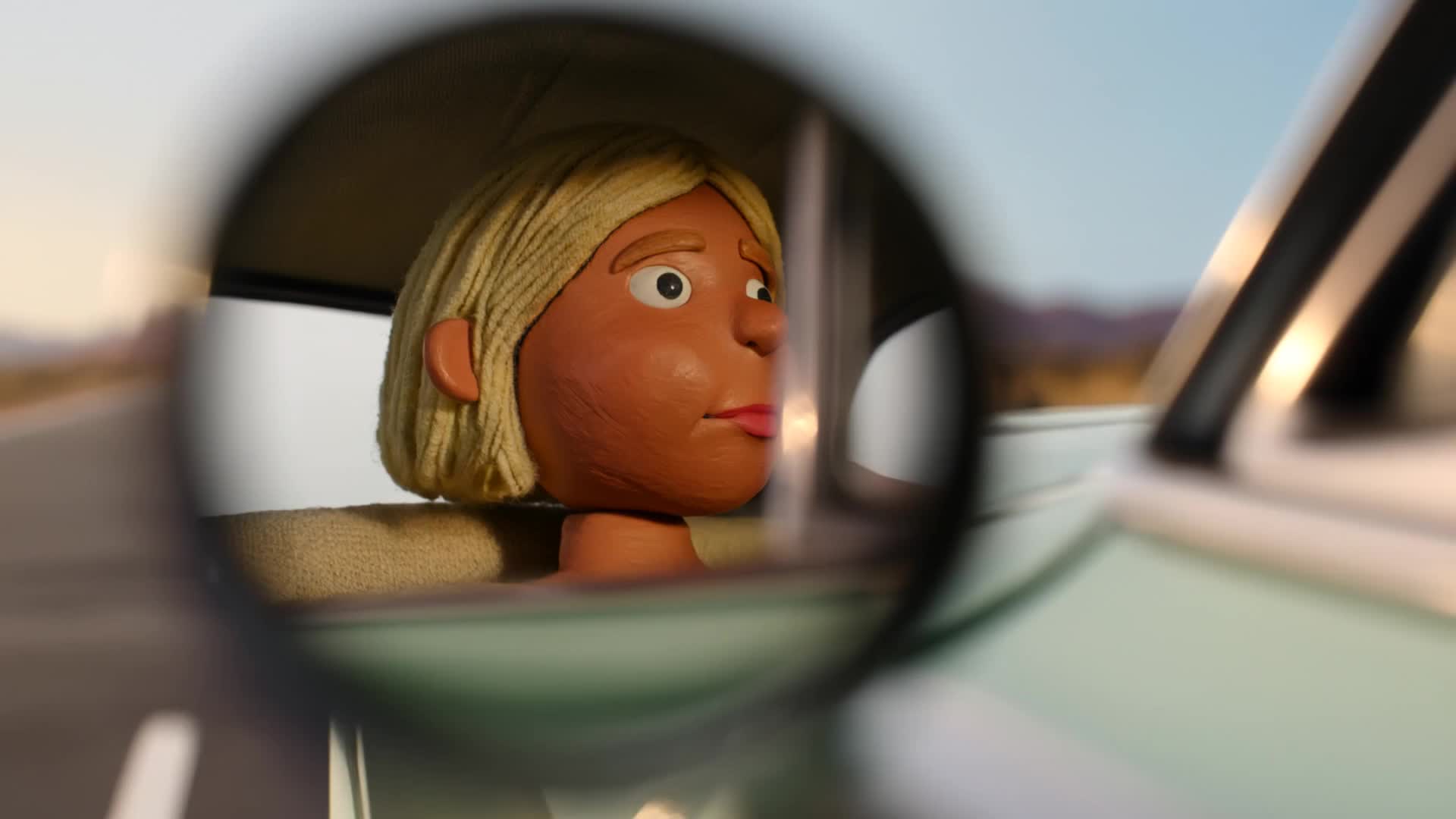
Seedance AI Video Generator
What Can You Create with Seedance AI?
Seedance AI is an all-in-one creative suite that unifies AI models, Video AI, Image AI and AI tools in a single platform. On there you can try Text to Video, Image to Video, Text to Image and Image to Image powered by leading AI video & image models such as Seedance 2.0, Seedance 1.5 Pro, Seedance 1.0 Pro , Seedream 4.5 plus Seedream 5.0 for images, and dedicated AI tools for photo face swap, background change and more.
Text to Video AI
Describe scenes, characters and camera moves in natural language and let our Text to Video AI turn them into coherent multi-shot videos. Use the built-in AI model selector to switch between Sora 2, Veo 3.1, Wan 2.5, Hailuo 2.3, Seadance Pro and other video AI models, so every project balances realism, speed and cinematic style without manual editing.
Image to Video AI
Upload a single reference photo and watch it become a short AI-generated video. Image to Video uses the same Sora 2, Veo 3.1, Wan 2.5 and Hailuo 2.3 AI video models to analyse depth, lighting and texture, animating your subject while preserving identity and style, ideal for product hero shots, portraits and looping 5–10 second social clips.
Text to Image AI
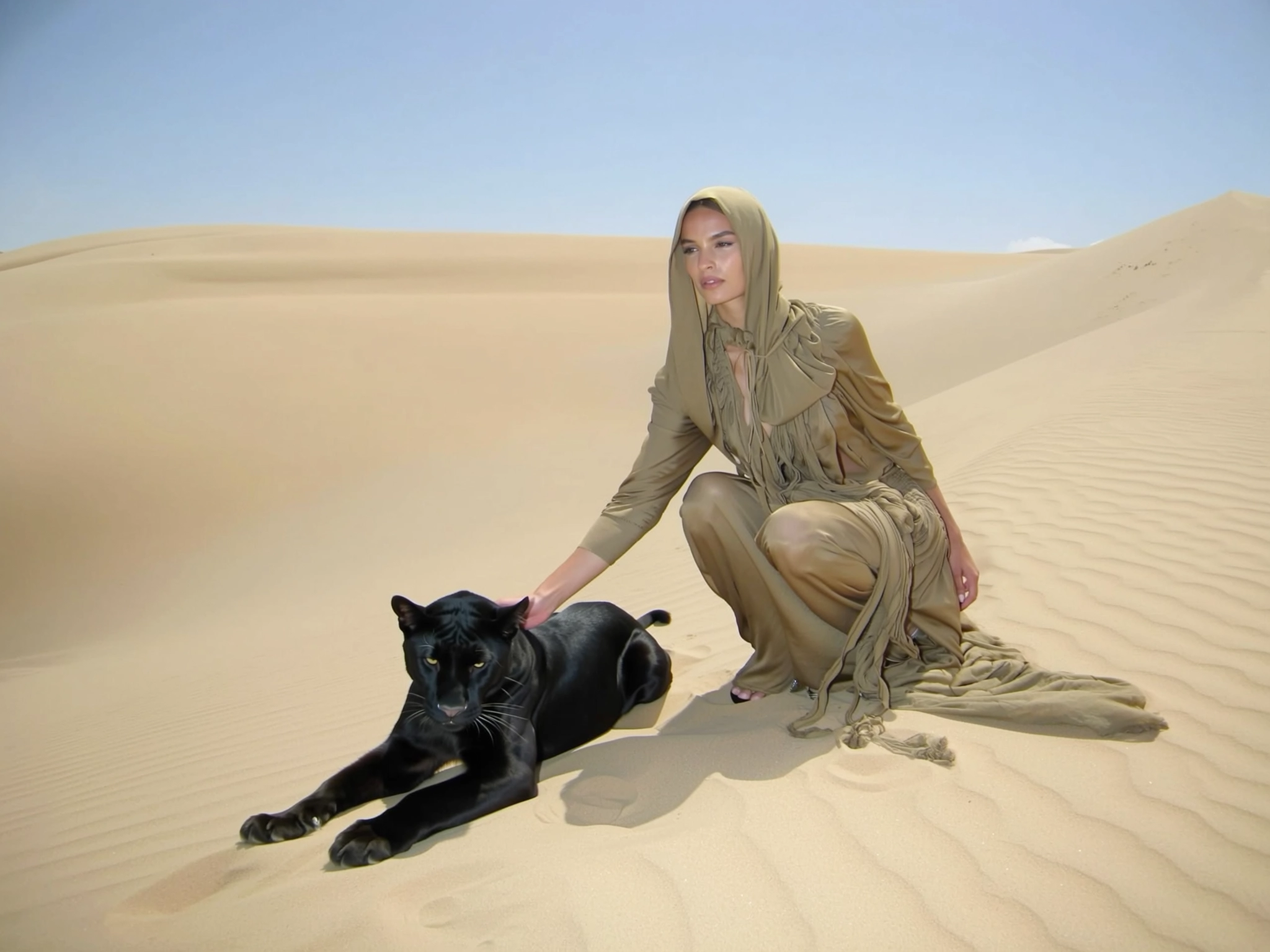
Turn text prompts into high-resolution images with our Seedream 4.0 and Nano Banana text to image AI models. Describe style, lighting and composition once, then use the intuitive AI image tool to generate multiple variations for thumbnails, key art, storyboards or reference frames for later video generation.
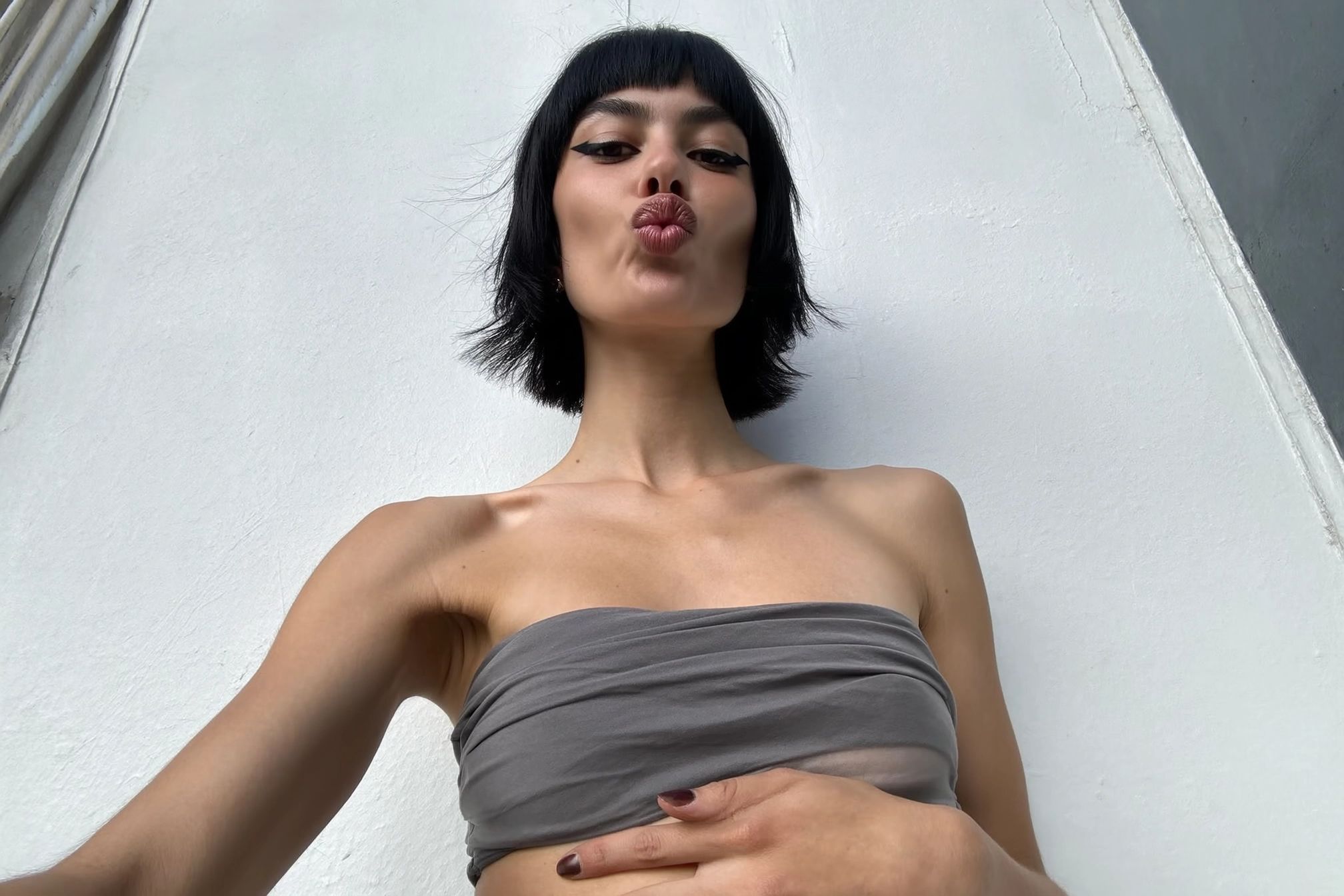
Image to Image AI
Upload reference images and use Seedream 4.0 and Nano Banana image to image AI models to restyle, enhance or transform them while preserving structure and subject identity. This AI image editing tool is perfect for brand-style matching, background changes and turning rough drafts into polished artwork you can reuse across video and design projects.

AI Image Effects & Tools
Apply one-click AI image effects with tools like Photo Face Swap, AI Background Changer, Qwen Image Edit and Seededit. Clean up or relight photos, swap faces, remove backgrounds and batch-process assets while keeping resolution, so your images are ready for e-commerce, social posts or video thumbnails in minutes.
AI Video Effects & Tools
Upload one or two photos, choose an AI video effect template and let our system auto-generate a short stylized clip. Each template is powered by a pre-tuned text-to-video AI prompt under the hood, just upload images and our AI video tools handle motion, style and transitions automatically.
Create Your AI Video in 3 Simple Steps
Bring your vision to life in minutes with our streamlined creation process:
Describe Your Vision
Write a clear prompt that outlines subjects, setting, mood, and actions. Optionally add reference images to lock style and composition for better consistency.
Generate & Refine
Let the AI produce coherent multi‑shot sequences with dynamic camerawork. Adjust details like duration, framing, or style until it matches your intent.
Export & Share
Preview the results and download high‑definition output optimized for your target platform—ready for social, ads, or presentations.
More AI Tools & Effects
Discover more tools and effects to power your creative workflow.

Unlock the Power of Seedance 2.0
Multi-Shot Video Generation
Tell a full story. Our AI creates multiple, connected scenes that flow together seamlessly.
Consistent Character & Style
Maintain the look of your characters and the aesthetic of your world from one shot to the next.
Dynamic Camera Movement
Add professional flair with automatic camera pans, zooms, and tracking shots.
1080p HD Video Output
Download your creations in high definition, ready for professional use on any platform.
Text & Image Prompts
Start with a detailed text description or an input image to guide the AI's creativity.
Secure & Private Creation
Your prompts and generated videos are processed securely and remain private to your account.
Frequently Asked Questions about Seedance AI
Learn more about Seadance AI, how it works, and how to get the best results using our Video AI, Image AI and Effects.
Ready to Bring Your Vision to Life?
Stop just imagining. Start creating. Seadance AI bridges the gap between your ideas and stunning, ready-to-share videos. Your story is just a prompt away.