Gemini Watermark Remover
Drop your Gemini image here
PNG, JPG, WebP · Up to 20 MB
Only supported Gemini visible corner logos. Not SynthID, videos, stock-photo marks, or arbitrary text.
Keep your image. Clean up the corner.
A corner logo can distract from a slide, a social post, or a design mockup. We help you tidy that corner while keeping the full image dimensions. Bring an image you have permission to edit, review the finish, and decide whether it is ready for your next project.
What can our Gemini watermark remover help you do?
We help you prepare supported Gemini images for your next design or presentation by removing the visible Gemini corner logo. Choose your image, review the result, and keep the version you prefer.
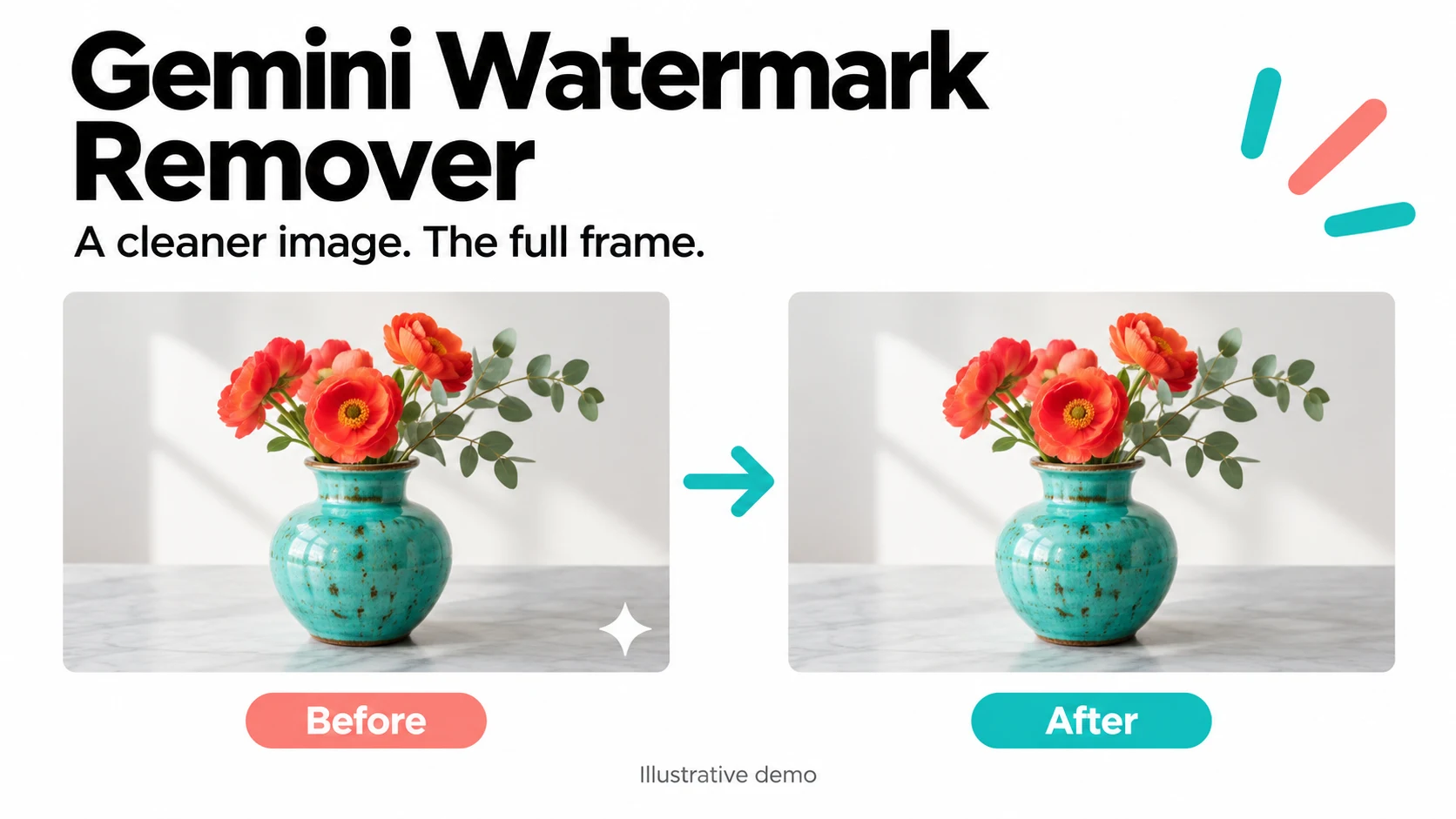
Keep your full composition
Keep the framing you chose instead of cutting off the corner to hide a logo. We help you remove a supported visible Gemini mark and save a same-size PNG. Check the result against your original; compressed or edited images may still show traces or artifacts.
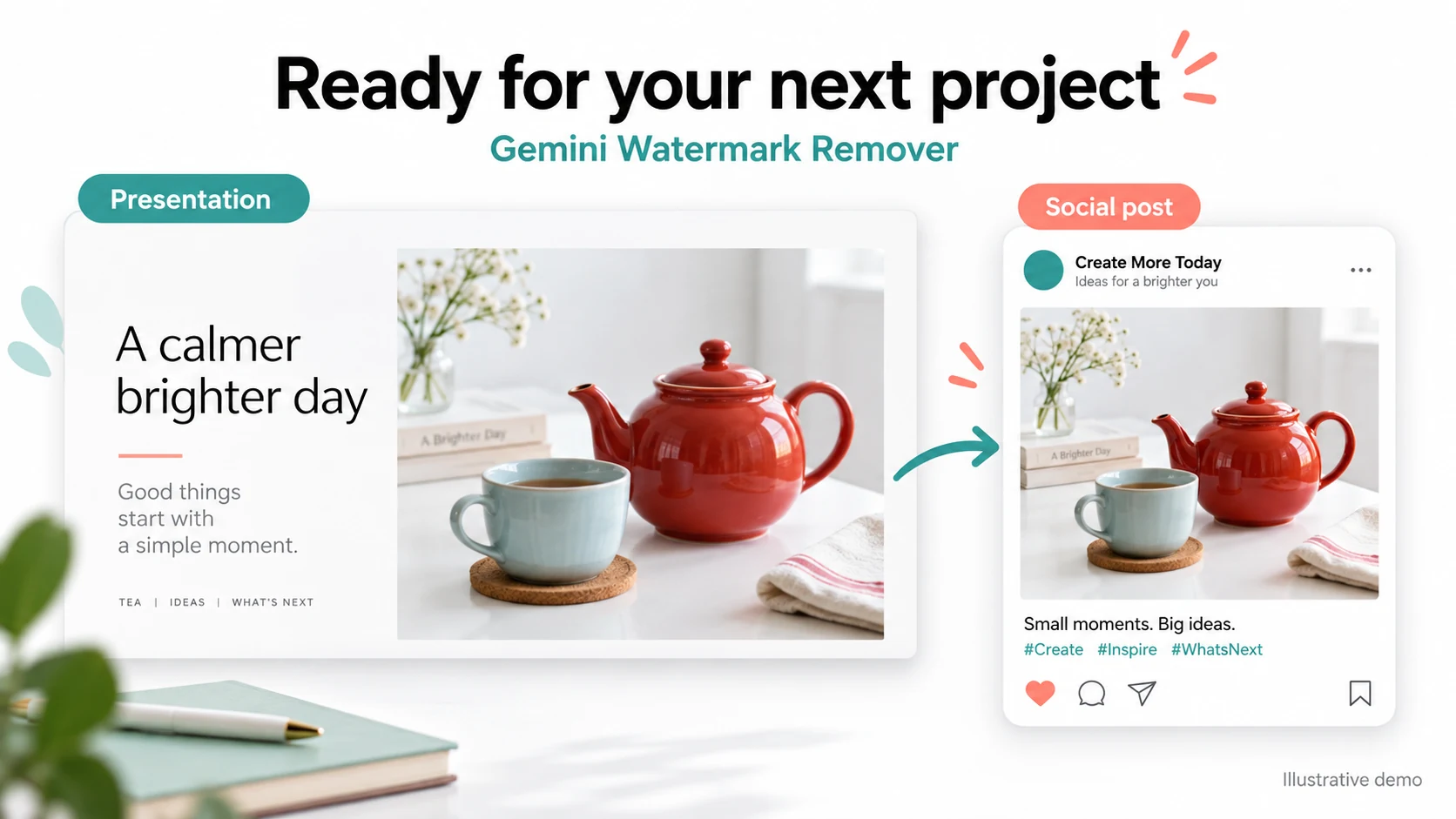
For presentations, posts, and mockups
Prepare an image for a presentation, social graphic, moodboard, or client mockup without adding a manual retouching step. We keep your original beside the result so you can check the details before downloading. Use the finished image only where your source-image rights allow.
How to remove a Gemini watermark
Choose your image, review the corner, and save your result. No brushing or manual watermark selection required.
Select the original
Use the original PNG, JPG, or WebP downloaded from Gemini. Avoid screenshots, cropping, and resizing.
Let us remove the corner logo
We automatically look for a supported Gemini corner logo. You do not need to paint over it or mark its position; watch the progress and wait for your result.
Compare and save
Compare your original and result side by side, especially around the former logo. Download your same-size PNG if you are happy with the finish; keep your original if traces or artifacts remain.
Why choose our Gemini watermark remover?
No brushing or manual selection
Choose your picture and let us look for the supported corner logo. You do not need to draw a mask or learn a retouching tool.
Free from start to download
We do not require a subscription, sign-up, or generation credits to process a supported image and save your result.
Keep your full composition
We retain your image dimensions instead of cropping away the corner, so you keep the framing you chose.
A file for your next project
We give you a PNG you can bring into your presentation or design workflow. Original usage rights and disclosure requirements still apply.
Check before you save
Your original stays beside the result. Look for faint traces or artifacts before choosing which image to use.
Clear answers when it does not work
We tell you when no supported mark was found or a result needs review, rather than asking you to trust a success label.
Gemini watermark remover FAQ
Your questions about supported images, quality, downloads, and getting a result you can use.
Give your Gemini image a cleaner finish
Choose an original image you have permission to edit. We will help you check the corner and prepare a PNG for your next idea.
Choose imageOnly supported Gemini visible corner logos. Not SynthID, videos, stock-photo marks, or arbitrary text.
Explore More AI Creation
Continue with related workflows, models, tools, and effects.